Grocery list and pantry for iPhone
Use it up.
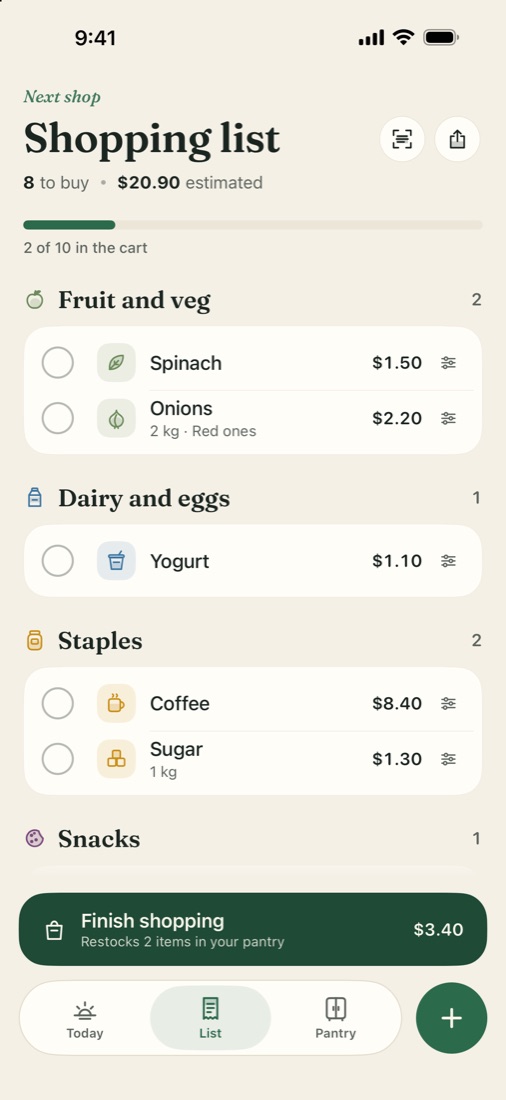
The list writes itself.
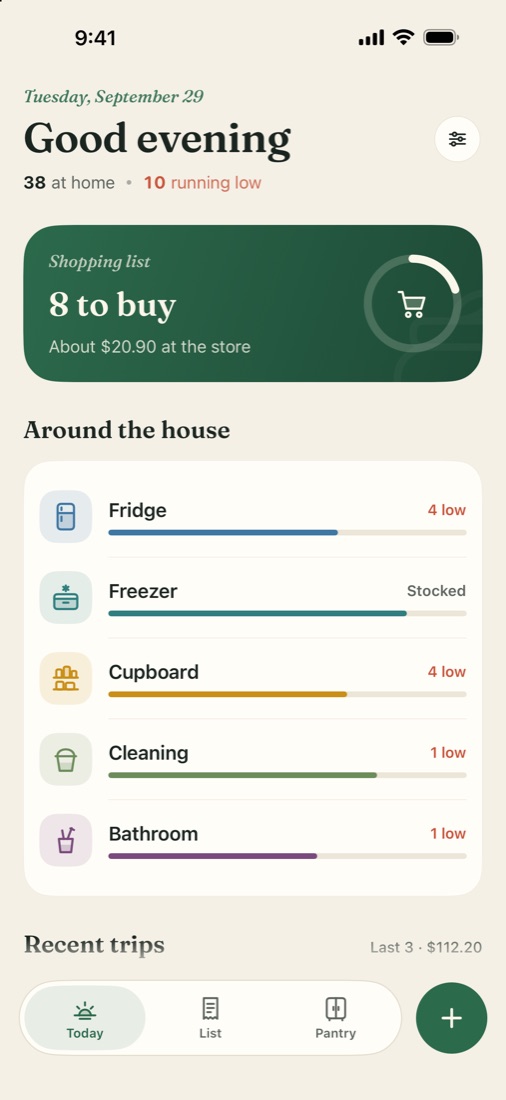
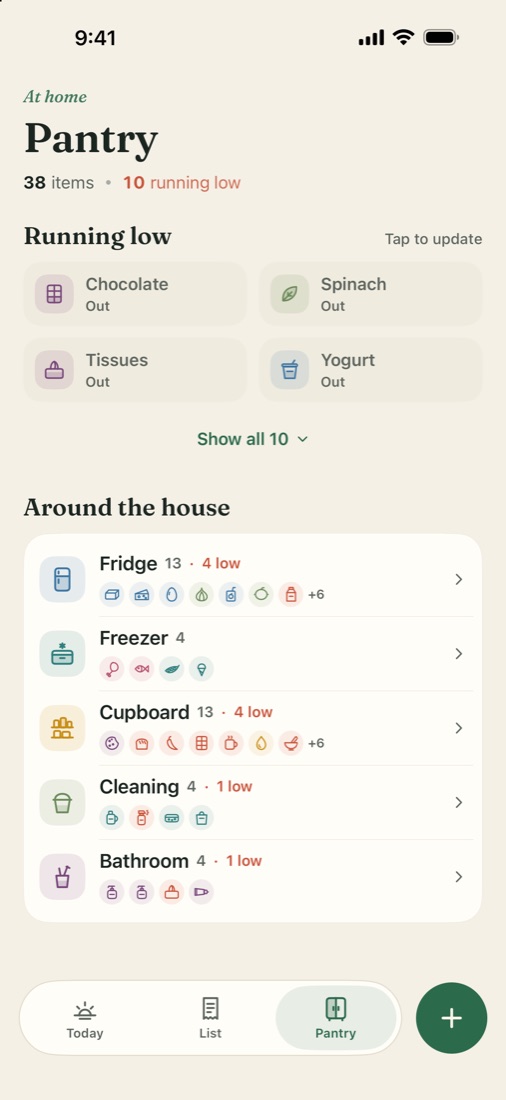
Larder keeps a simple picture of your fridge and cupboards. When something runs low, it lands on your shopping list.
Coming soon to the App StoreTry it: tap a jar to use some.
Low or out, and it goes on the list.Next shop
Shopping list
Nothing to buy. Use something up on the shelf.
Three tabs. That is the whole app.
No folders, no setup. Pick what is already at home on the first day and you are done.
Small things, done properly.
- Scan a receipt
- Prices fill in from a photo of the receipt, read on your phone.
- Any currency
- Taka, dollars, euros or rupees, written the way your country writes them.
- Metric or US units
- Kilograms and litres, or pounds and gallons.
- Import a list
- Paste one from Notes or a chat and it sorts itself by aisle.
- Share the list
- Send it as plain text to whoever is going to the store.
- Move to a new phone
- One backup file carries your pantry, prices and trips across.
No account.
No ads.
No tracking.
Your pantry lives on your phone and nowhere else. Larder has no server of its own.
One purchase unlocks Larder for good. No subscription. Payment is handled by Apple.
Read the privacy policy